
Hard Drive Data Recovery › Bad Sectors
Bad Sectors
Over time sectors can become unreliable. Once the system marks them permanently damaged, files — and eventually the operating system itself — stop being readable.
How a drive stores your data
- Sector
- The smallest unit of physical storage space on the hard drive — older drives store 512 bytes in each sector, newer drives may use Advanced Format (AF) to store 4 kilobytes.
In a hard drive, data is stored on spinning discs known as platters, which are coated with magnetic material. Each platter is divided into circular tracks, which are then divided into sector segments.
Read / Write heads float over the platters, reading and writing magnetic charges on the sectors. Over time sectors can become unreliable and the system identifies them as permanently damaged — it becomes a “bad sector.” If the number of bad sectors grows, some files and even the OS filesystem may become unreadable.
Even a new hard drive will have some unusable sectors. At some point, bad sectors can become a serious data integrity issue. It is possible that the hard drive will not be able to correct an error if software fails unexpectedly — for example, your computer loses power.
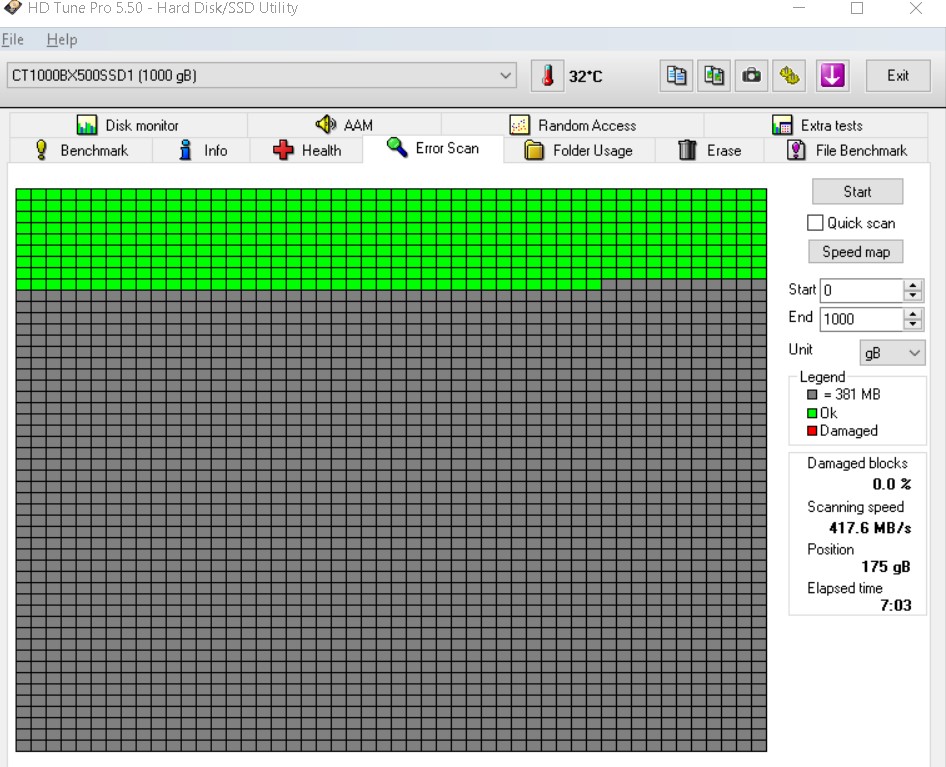
Unusual noises? Turn it off immediately.
If your hard drive makes unusual noises or shows any other signs of physical failure, turn it off and contact a qualified data recovery company. Every extra minute of spinning removes more magnetic material.
Head crashes, firmware faults and heat
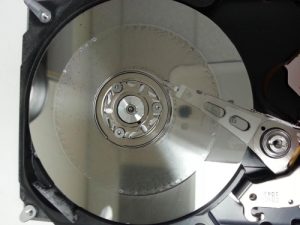
Read/Write heads can fall out of alignment which can cause permanent data loss, because the heads physically remove the magnetic material from the discs. A head crash occurs when the heads come into physical contact with the platters.
Without firmware, your hard drive would not be able to interface with your computer — or correct the predictable errors that occur during operation. A variety of factors can lead to firmware problems, including power surges and unexpected power outages.
Hard drive electronics contain drive-specific information, so treating firmware damage requires specialized tools since the hard drive might incorrectly identify certain sectors as “bad.”
- Head crash — heads touching the platter surface
- Firmware damage from power surges and outages
- Overheating
- Malware infection
- Contamination from airborne particles
Remove Bad Sectors
Clone first, always
With our specialised tools it is possible to clone the drive and remove the bad sectors. Cloning a disk stops any further degradation or loss of data.
Recover what the OS cannot
In addition our specialized cloning techniques can recover sectors that operating systems cannot, thus improving our chances of data recovery.